
InfoPane
Opaque rounded label for displaying configuration help text
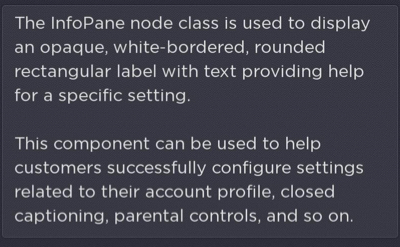
The InfoPane node class is used to display an opaque, white-bordered, rounded rectangular label with text providing help for a specific setting. This component can be used to help customers successfully configure settings related to their account profile, closed captioning, parental controls, and so on.
Fields
| Field Name | Type | Default | Access Permission | Description |
|---|---|---|---|---|
| infoText | string | none | READ_WRITE | The text to be displayed in the label. |
| width | integer | 0 | READ_WRITE | The width of the label. |
| height | integer | 0 | READ_WRITE | The height of the label. |
| textColor | color | 0xFFFFFFFF | READ_WRITE | The color of the text displayed in the label. |
| bulletText | array of strings | none | READ_WRITE | List of strings preceded by a bullet (for example, ["Bullet 1","Bullet 2"]). |
| infoText2 | string | none | READ_WRITE | A second text string that can be offset from the first. |
| infoText2Color | color | 0xFFFFFFFF | READ_WRITE | Specifies the infoText2 string color |
| infoText2BottomAlign | boolean | false | READ_WRITE | Specifies whether the infoText2 string is vertically aligned to the bottom of the info pane |
Sample app
You can download and install a sample app that demonstrates how to use the InfoPane node.
Updated 5 months ago
Did this page help you?