
Rectangle
Draws a solid color rectangle that supports child nodes and rotation
Extends Group
The Rectangle node class draws a solid color rectangle with the top/left corner of the rectangle drawn at the origin of the node local coordinate system. Because the Rectangle node class extends the Group node class, it can have child nodes. For example, a Rectangle node might have a child Label node, resulting in text being drawn inside of a box.
Example
The following are examples using the Rectangle node.
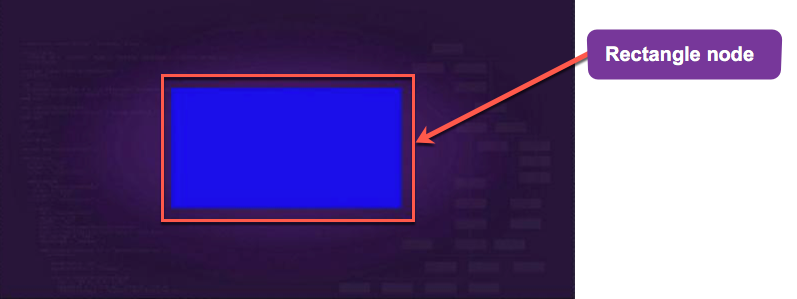
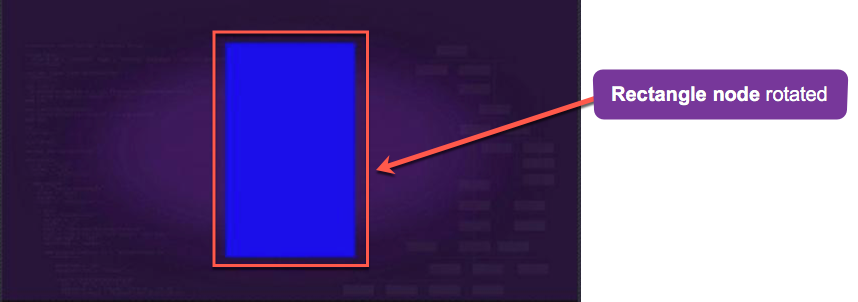
Rectangle Node Class Example:
<?xml version="1.0" encoding="utf-8" ?>
<component name="rectangleexample" extends="Group">
  <script type="text/brightscript">
    <![CDATA[
      sub init()
        m.top.setFocus(true)
      end sub
    ]]>
  </script>

  <children>
    <Rectangle
      id="testRectangle"
      color="0x880088FF"
      width="1280"
      height="60"
      translation="[0,0]" />
  </children>
</component>
Rotation
Rotation of Rectangles is supported. On platforms that do not support OpenGL, only rotations of 0, 90, 180, and 270 degrees are supported.
Fields
Fields derived from the Group base class can also be used.
| Field | Type | Default | Access Permission | Description |
|---|---|---|---|---|
| width | float | 0.0 | READ_WRITE | Specifies the width of the rectangle in local coordinates |
| height | float | 0.0 | READ_WRITE | Specifies the height of rectangle in local coordinates |
| color | color (string containing hex value e.g. RGBA) | 0xFFFFFFFF | READ_WRITE | Specifies the color of the rectangle |
| blendingEnabled | boolean | true | READ_WRITE | Specifies if the rectangle should be alpha blended with the nodes that are behind it |
| effect Available since Roku OS 16.0. | node | invalid | READ_WRITE | References an Effect node that applies shader effects, such as rounded corners, borders, and gradients, to the rectangle |
Sample app
RectangleExample is a sample app demonstrating Rectangle in action.
Updated 22 days ago