
Developer Tools
Tools for installing, profiling, testing, and publishing Roku apps
Prior to using the Roku developer tools, your Roku device must have Developer Settings enabled.
Roku app tracing (with Perfetto)
Records, analyzes, and visualizes traces of your Roku apps to pinpoint where you can reduce resource consumption and optimize performance. This enables you to capture and visualize the events in your app on a timeline, which provides you with a detailed graphical view of what your app is doing over time.
With Roku ECP and a Websocket client, you can launch your app, record and save a trace, and then open it in Perfetto. You can then explore the trace in Perfetto by using the WASD keys on your keyboard to zoom and pan, and your mouse to expand process tracks (rows) into their constituent thread tracks. You can also execute SQL-based queries in Perfetto.
For more information, see the Roku app tracing (with Perfetto) guide.
Roku Resource Monitor
Tracks and visualizes several key metrics, including system and graphics memory usage, CPU consumption, memory allocation for BrightScript objects, counts for SceneGraph nodes, the number of rendezvous events, and the graphics rendering frame rate. This enables developers to test the different screens in their app and identify resource consumption trends and patterns.
The Roku Resource Monitor is intended to be used in conjunction with the BrightScript Profiler to improve app performance. For example, if the Roku Resource Monitor consistently shows increased consumption with a specific action on a screen, developers can use the BrightScript Profiler to further drill down into the app and pinpoint where to optimize the code.
For more information, see the Roku Resource Monitor guide.
BrightScript Profiler
Indicates where performance improvements and efficiencies can be made in your Roku app. The tool enables you to collect and analyze CPU usage, wall-clock time, function call counts, and memory usage, including memory leak detection.
For more information, see the BrightScript Profiler guide.
Roku Remote Tool
Enables you to create reusable scripts for ad-hoc app testing in order to ensure a high-quality end-user experience and efficient use of developer resources. For more information, see the Roku Remote Tool guide.
Roku SceneGraph XML schema
Describes each SceneGraph component, defines the relationship between nodes, and provides the types, default values, and descriptions for each field within a node. For more information, see Roku SceneGraph Schema (XSD).
Development Application Installer
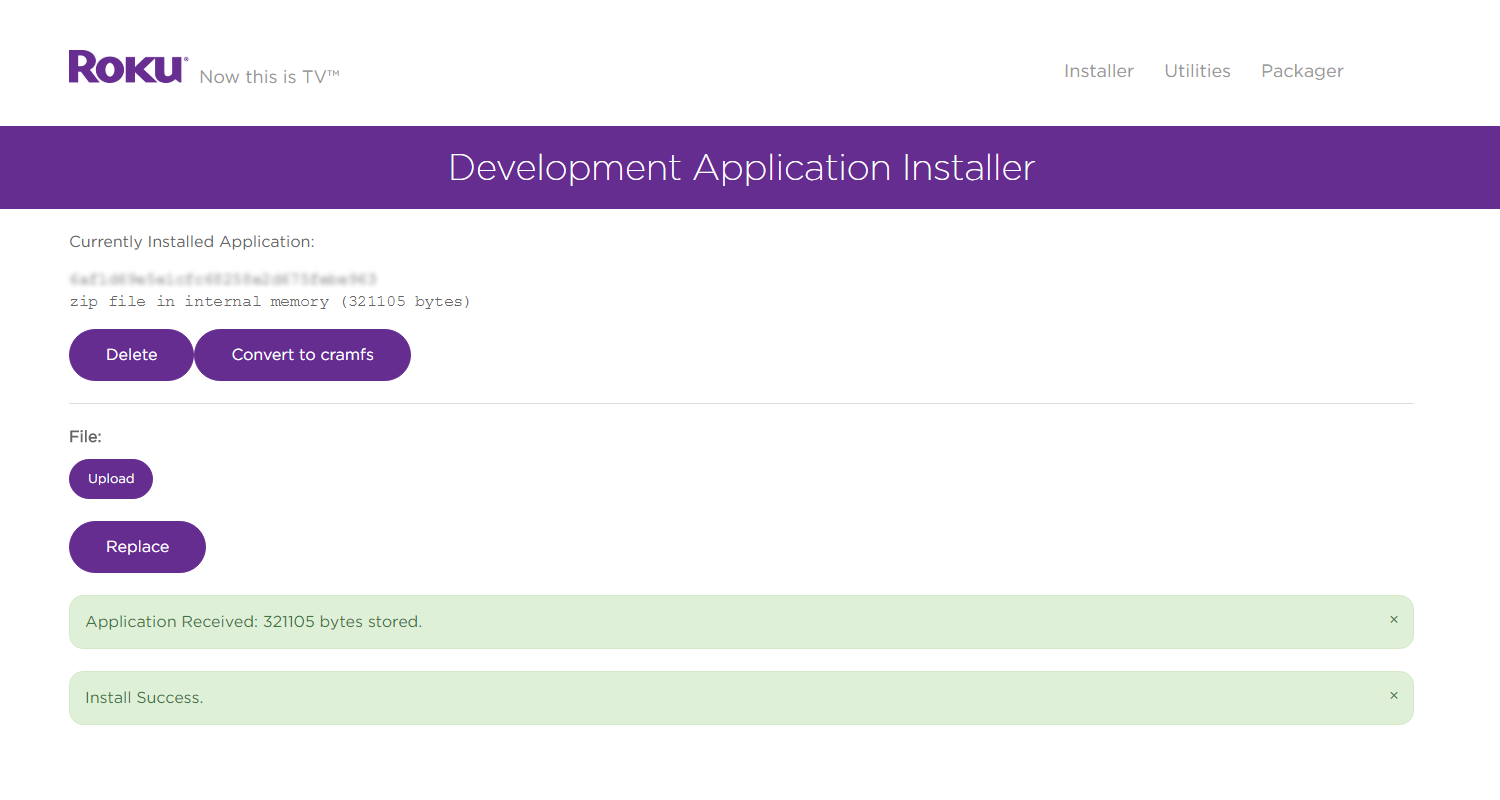
Every Roku device can be configured to support developer tasks such as installing apps, packaging apps, and creating your app's screenshots. The Development Application Installer enables installing or "sideloading" an app to a Roku device to test and QA before submitting for publication.
Application Packager
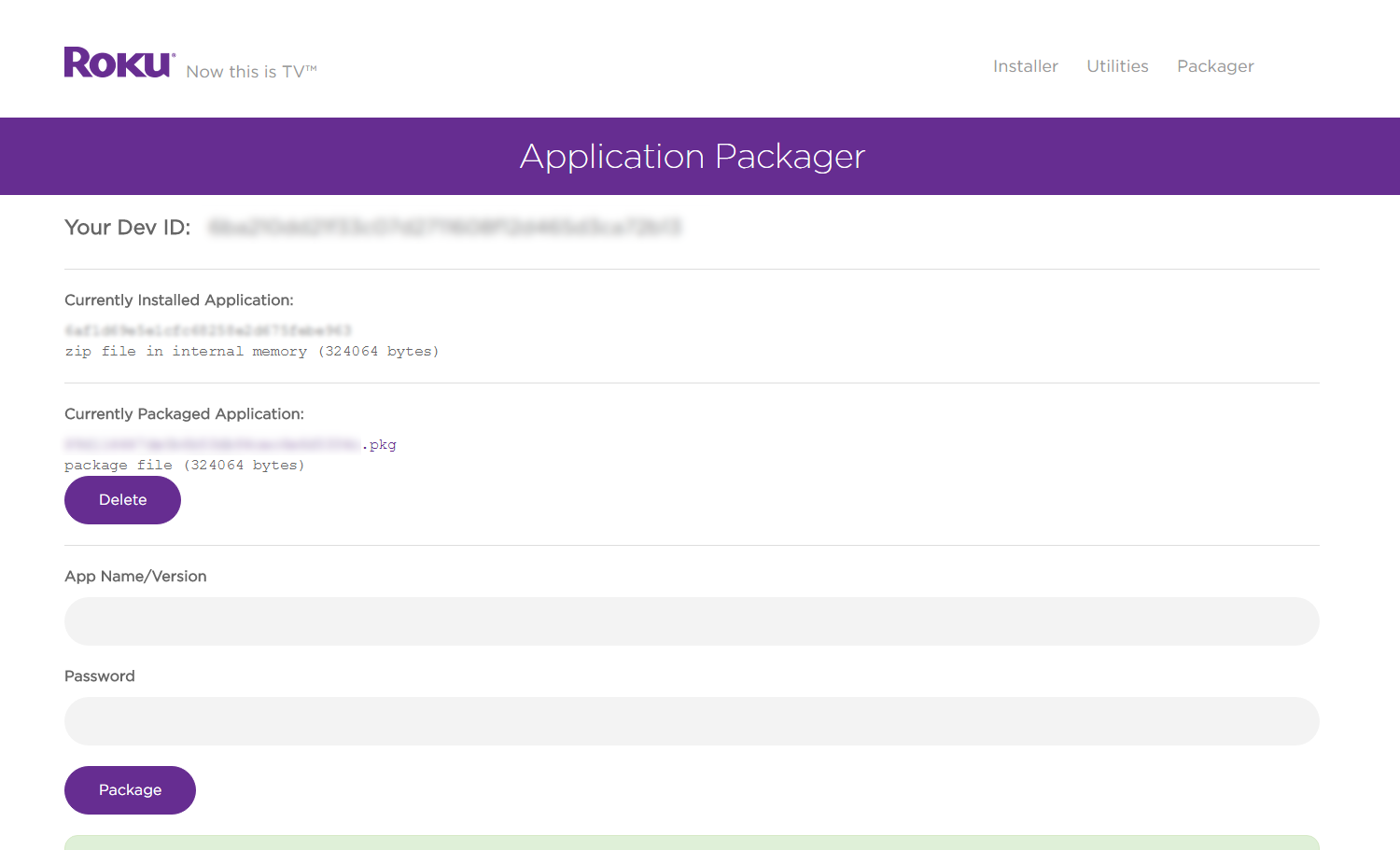
The application packager takes the sideloaded app and signs and generates an encrypted package for publication.
This enables developers to securely publish apps while keeping all intellectual property safely encrypted. The process of “packaging an app” uses cryptographic hardware built into Roku devices and creates an encrypted package that can be easily and securely distributed on Roku devices.
For a step-by-step walkthrough, see Packaging Roku Apps.
SceneGraph Developer Extensions
SceneGraph Developer Extensions (SGDEX) is a collection of developer sample code that demonstrates how a developer can use pre-built, reusable Roku SceneGraph (RSG) components to enable rapid development of apps that follow a consistent UX paradigm.
Roku Remote Web Tool
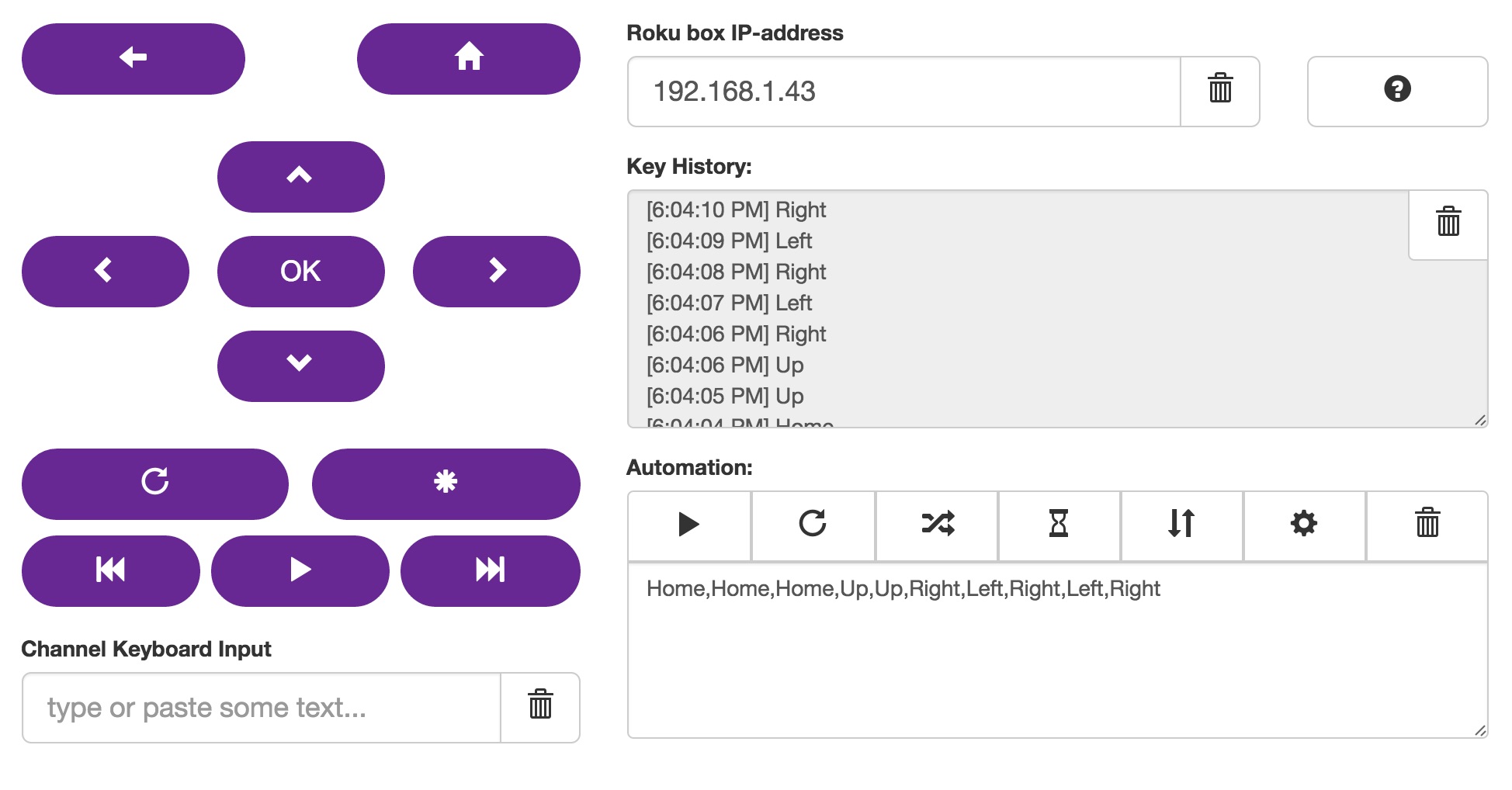
Control any Roku device using this online remote. Useful for recording and automating commands on Roku OS.
Deep Linking Tester
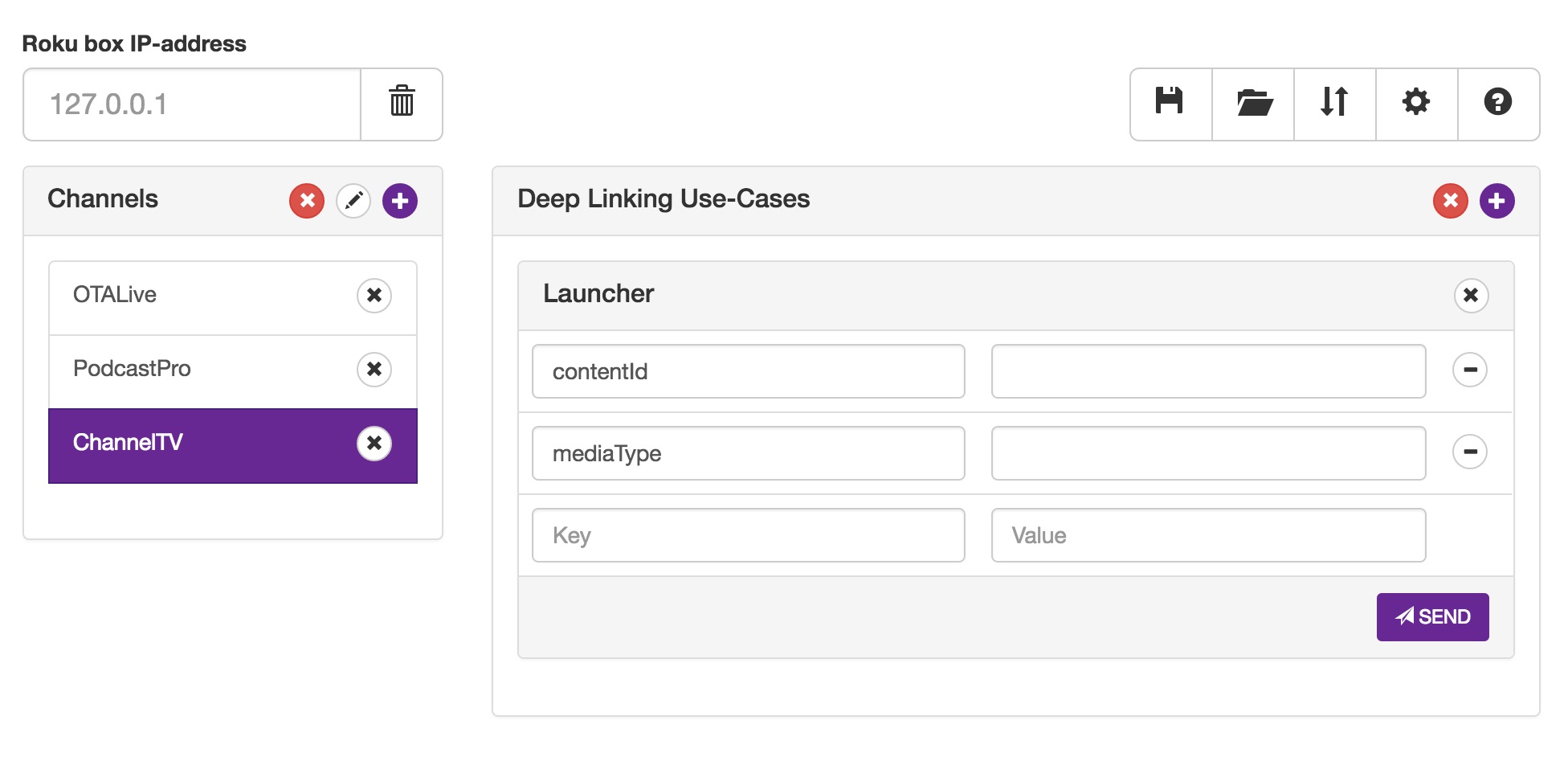
Test how to link directly into content within Roku apps using Roku's External Control Protocol. See Deep Linking docs for more information.
Note: This tool requires a companion Roku app to be installed on your device.
Stream Testing Tool
Test playback from media URLs for content and ad servers. In addition, this tool can simulate a video and ad playback experience.
Note: This tool requires a companion Roku app to be installed on your device.

Automated app testing tools
Roku's test automation tools enable automated state-driven UI testing of apps. With Roku's custom Selenium-based WebDriver APIs, app developers can automate tests on authentication and purchasing workflows, deep linking, and other certification-related criteria. Roku's Robot Framework Library enables developers to create Robot framework-compliant test cases. See Automated app testing overview for more information on getting started with Roku's test automation software.
Terms for publishing development tools
When publishing development tools for the Roku platform, observe the developer terms to ensure compliance with the specified legal responsibilities, best practices, and guidelines. The developer terms includes the Roku Trademark Guidelines, which specify rules for using Roku Marks and Roku Design Marks that must be adhered to.
Updated 3 months ago