
Label
Reference for the Label node used to display a string of text on screen
Extends LabelBase
As of Roku OS 10.5, the Label node inherits most of its functionality from LabelBase node class. Developers, however, do not need to update their app code to account for this refactoring.
The Label node class is used to display a string of text.
Example
The following example shows a text layout derived from the Label node.
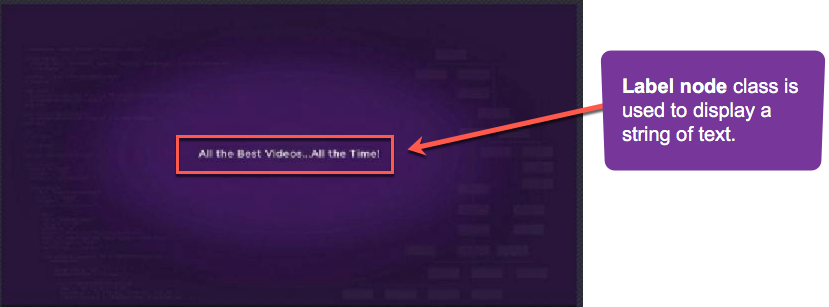
The following displays the text string "Application Development Made Easy!" in the medium bold system font near the left top of the display screen.
<?xml version="1.0" encoding="utf-8" ?>
<component name="labeltest" extends="Group">
  <script type="text/brightscript">
    <![CDATA[
      sub init()
        m.top.setFocus(true)
      end sub
    ]]>
  </script>

  <Label
    id="testLabel"
    height="44"
    width="0"
    font="font:MediumBoldSystemFont"
    text="Application Development Made Easy!"
    horizAlign="left"
    vertAlign="center"
    translation="[318,8]" />
</component>
Fields
Fields derived from the Group and LabelBase classes can be used.
| Field | Type | Default | Access Permission | Description |
|---|---|---|---|---|
| font | Font | system default | READ_WRITE | Specifies the Font node to be used |
| lineSpacing | float | READ_WRITE | If the text is displayed on more than one line, specifies the amount of additional space added between lines | |
| truncateOnDelimiter | string | READ_WRITE | If the width field value is greater than zero, provides a set of characters that are used to determine how to truncate the last line of text that is displayed if it extends beyond the specified width. If none of the characters in the last line of text are included in the truncateOnDelimiter field value string, the entire last line is not displayed. When the value is set to a non-empty string, the ellipsizeOnBoundary field value is ignored | |
| leadingEllipsis | boolean | false | READ_WRITE | Specifies whether to display the end or beginning of text that overflows its available width:
|
| wrappedLines | Integer | READ_ONLY | indicates the number of wrapped lines in the label. |
Sample app
You can download and install a sample app that demonstrates how to use the Label node.
Updated 5 months ago
Did this page help you?