
Roku Search
Overview of Roku Search, including content discovery, deep linking, and My Feed
Introduction to Roku Search
Roku Search is listed in the main menu of the Roku home screen. Users can use their Roku remote control or Roku mobile app to enter or say their search, and then Roku Search displays content matching the query. If the search is for an actor, actress, or director, users can select content related to the person or view their filmography and then select content. The search results also include Roku Zones, which users can select to view a curated selection of content related to the query from apps across the Roku platform.
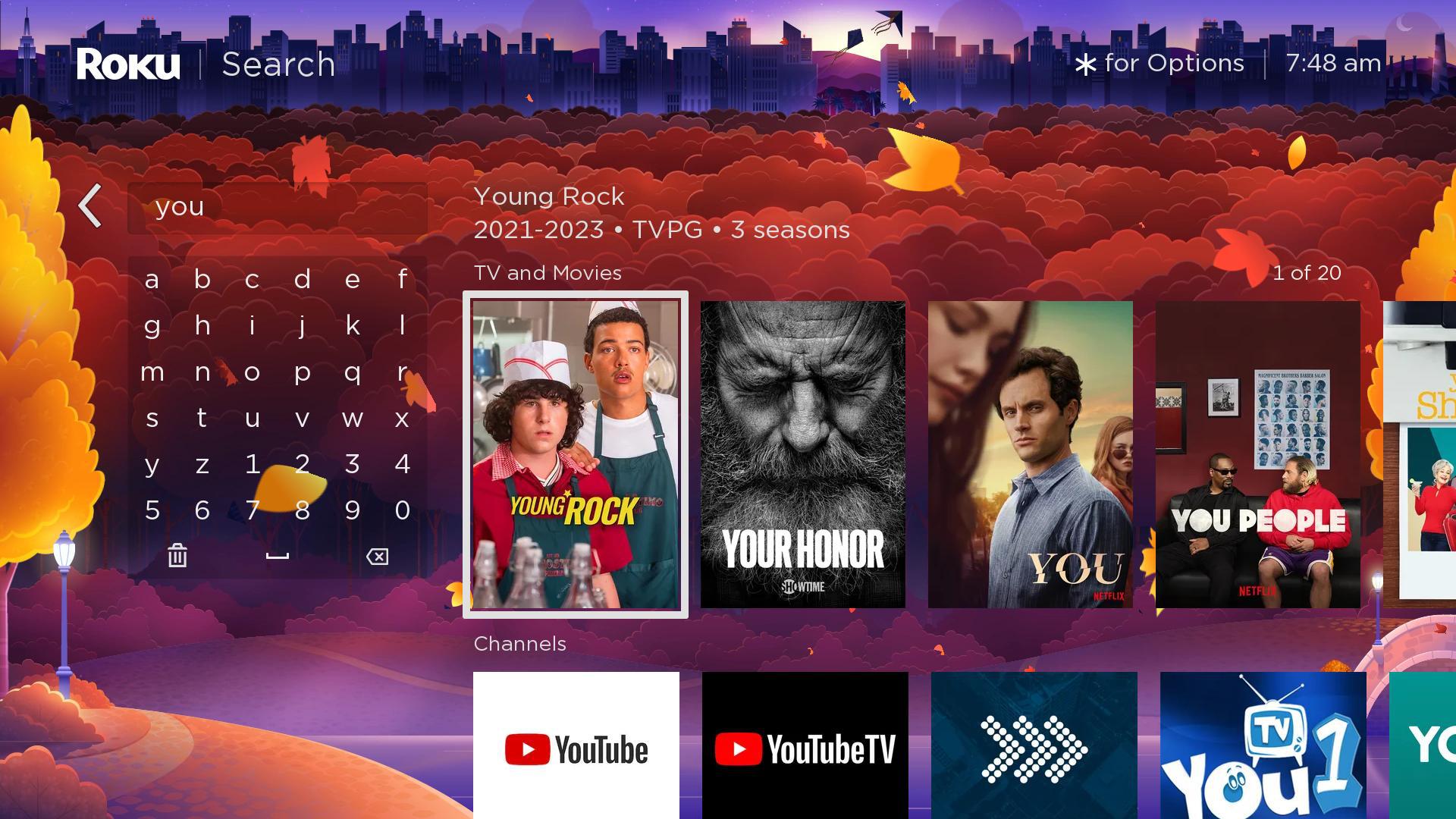
When users select a content item, the content details screen provides options for watching the item (from free or subscription). It also provides information about the item such as the title, star rating, release year, parental rating, run time, genre, description, cast, and director.
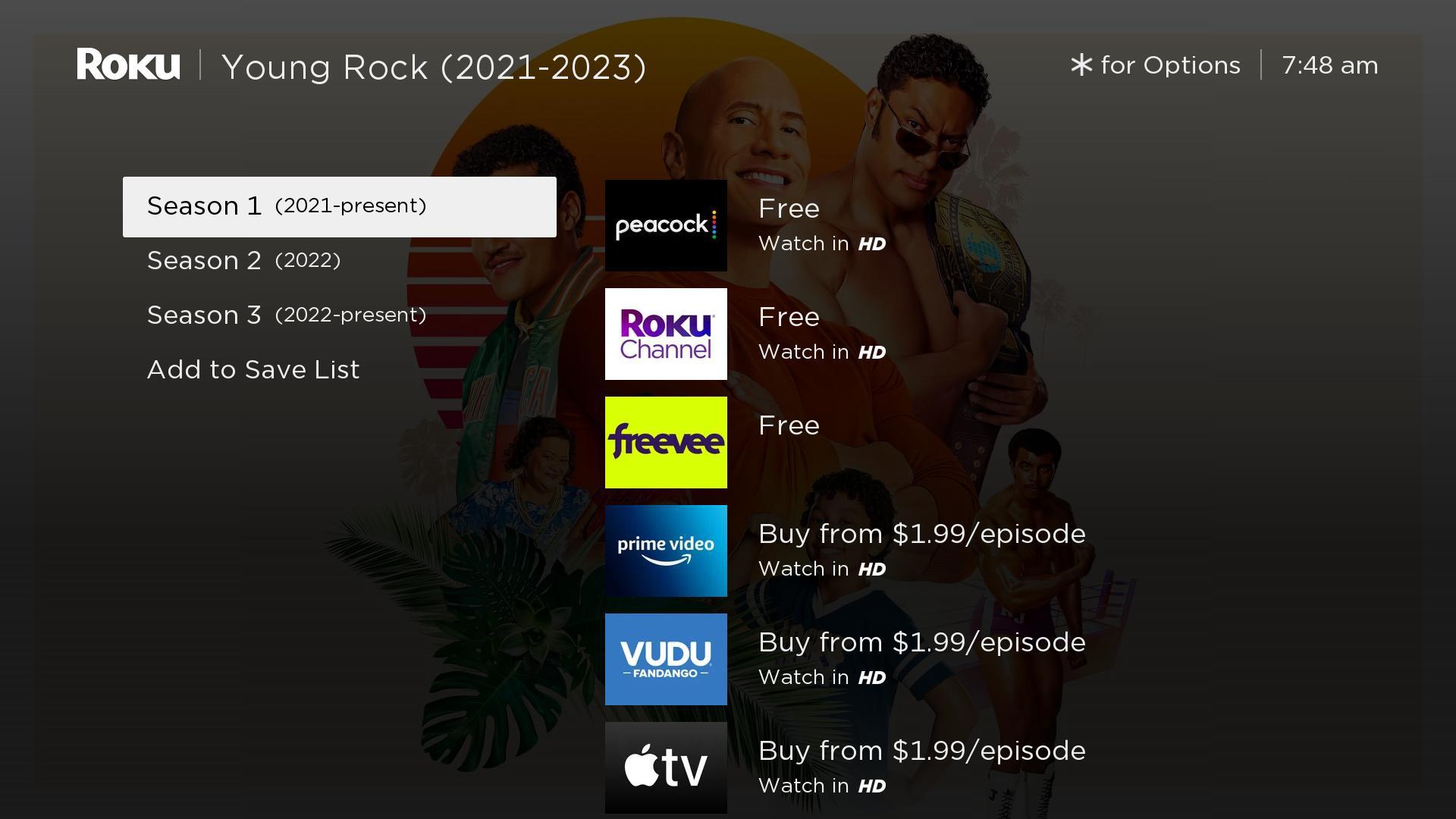
Users can then select an app, which launches it and takes them directly to the selected content or a content springboard (via deep linking). If the app is not already installed, it is first added upon being selected.
After completing a search, users can add the results to My Feed, which provides updates on previous searches (for example, a newly added movie starring a previously searched actress).
Updated 5 months ago