
Screensavers
Only standalone screensaver apps are permitted. Non-screensaver apps, including but not limited to video/audio streaming apps, games, and utilities, are prohibited from including screensavers.
Overview
A screensaver is automatically invoked when either a video, game, utility, or application has been idle. The screensaver starts
according to a user specified period of time. The main operational difference between a screensaver and a streaming
app is that screensavers do not accept any user input (e.g., remote button push, etc). When a screensaver
is running, any user input terminates the screensaver and returns the user to the streaming app.
Screensavers cannot include:
- DynamicComponent libraries
- Ad insertion
- In-app purchases
- Deep links
- Any type of user-initiated, interactive functionality
Screensaver context
When a screensaver is run, a new Brightscript context is created for screensaver execution. The
screensaver does not share Brightscript data objects with the streaming app.
The screensaver's BrightScript Debugger uses port 8087.
Discovery
All screensavers in the Roku environment use the RunScreenSaver() function. Note that RunUserInterface() or Main()
are prohibited for screensavers.
You can access the list of available screensavers in the screensaver store or menu that is discoverable on your device (in the Roku UI) by going to
Settings > Theme > Screensavers. This is where you can go to get, set, or remove screensavers. Note that once a screensaver is purchased and added
the screensaver is not displayed on the Roku Home screen.
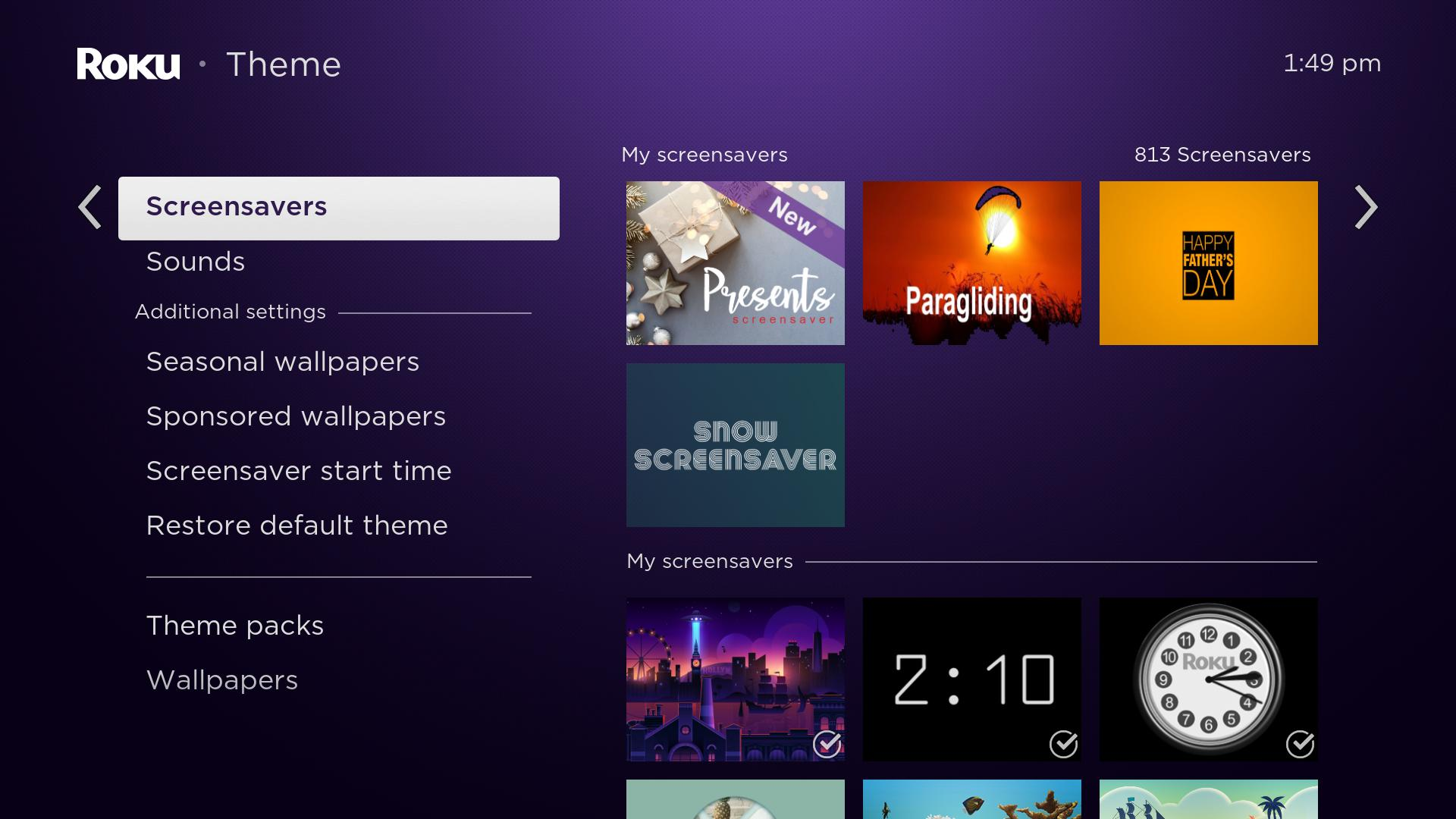
Settings
The RunScreenSaverSettings() function stores screensaver data in the device's registry. If a screensaver implements the RunScreenSaverSettings()
function a new context menu, called Change screensaver settings is available under the given screensaver detail menu.
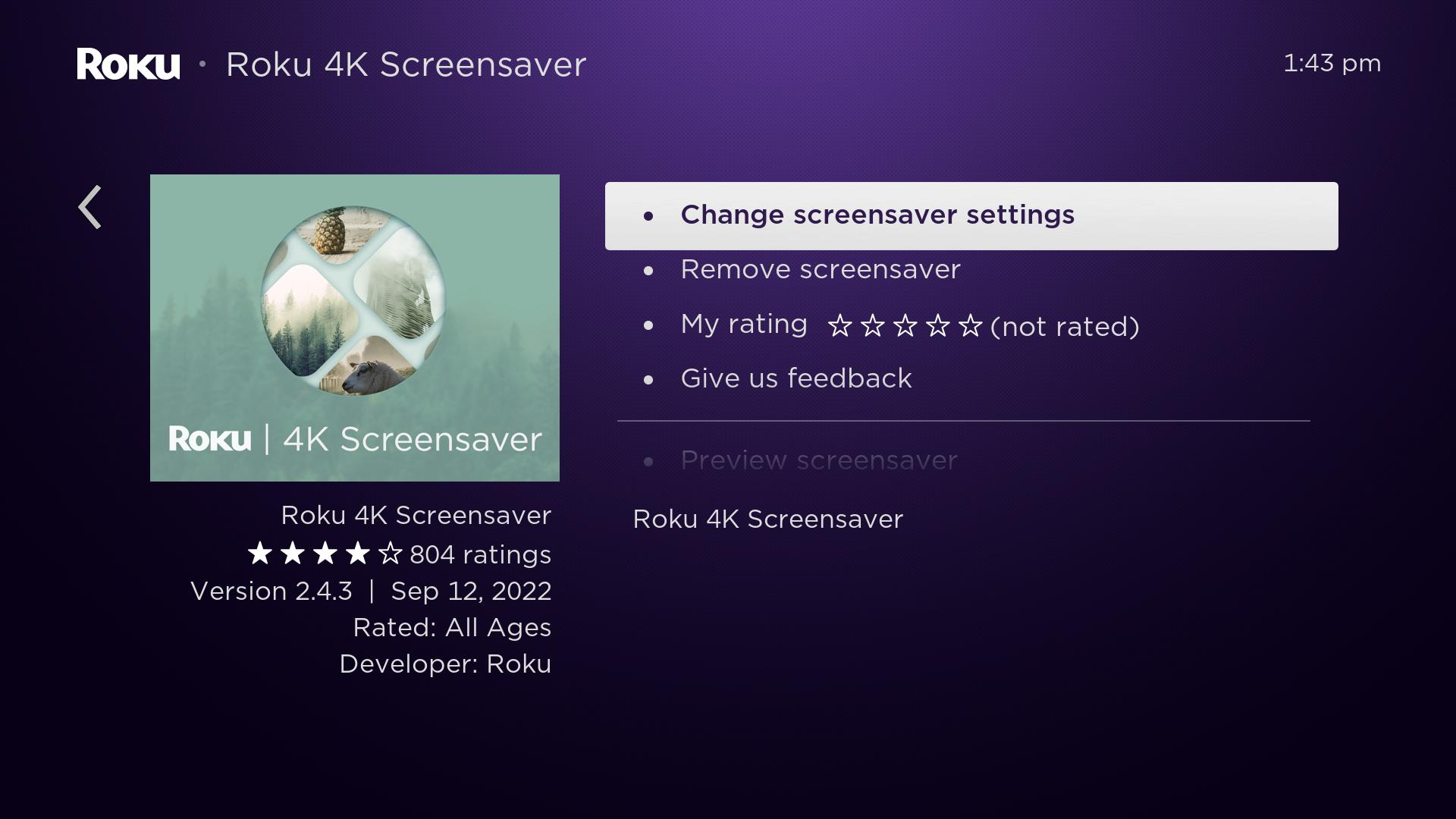
After clicking Change screensaver settings the RunScreenSaverSettings() entry point is invoked allowing you to change developer specified screensaver options.
Manifest entries
A screensaver must have an entry in its manifest file named
screensaver_title whose value is the title of the screensaver (usually the same as the title of the app).
The
screensaver_titlemanifest entry may only be used for screensaver applications. Other apps
may not use this manifest entry; app publishing will be blocked if it is provided.
Usable components
Normally a screensaver uses roScreen or roImageCanvas to display images
on the screen. Components which accept user input are not supported in a
screensaver. This is a list of components which cannot be used in a
screensaver.
roAudioPlayerroChannelStoreroVideoPlayer
SceneGraph screensavers
You can also create screensavers in Roku SceneGraph. You should not create SceneGraph screensavers that require any type of user input
(such as a keyboard), or have video playback.
Screensaver examples
See the screensaver sample channels for examples.
Updated 7 months ago