
Roku Search
Convert searches into subscriptions, rentals, and app engagement on Roku
Roku Search provides opportunities to convert searches into subscriptions and rentals, drive users to your app, and increase engagement. The lift provided by Roku Search makes it essential for reaching and expanding your audience on the Roku platform.
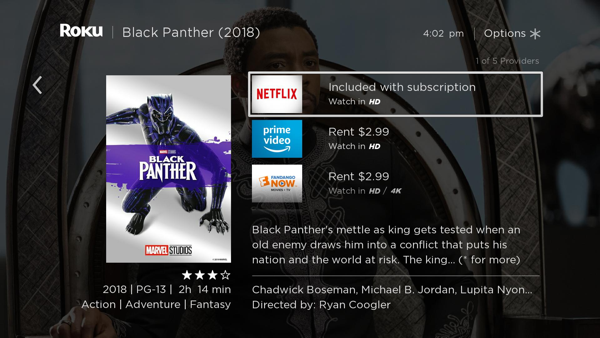
If you are distributing content via an app, see Implementing Roku Search to integrate your app into Roku Search. If you are distributing content via The Roku Channel, your content is automatically included in Roku Search.
By participating in Roku Search, your app is eligible for three more discovery programs that provide additional exposure: Visual Search Results for Roku Voice, Roku Zones and Save List.
Visual Search Results for Roku Voice
The Roku UI displays content matching users' voice requests for a movie, TV show, short-form video, or other content.
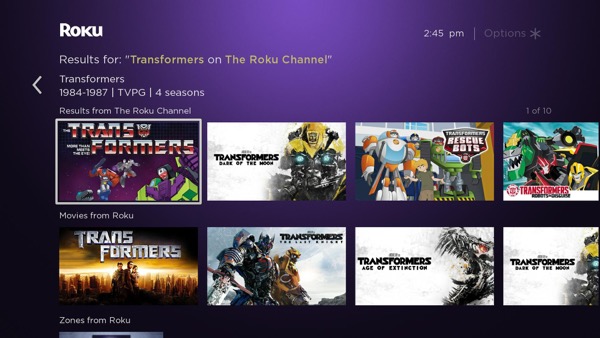
If a user requests content on a specific app (for example, "Transformers on The Roku Channel" or "find Transformers on The Roku Channel"), the Roku UI opens a page with matching content from that app in the top row. The rows below list relative Roku Zones and TV shows, movies, and short-form videos from other apps in the Roku platform that are participating in Roku Search. If the voice request does not include a specific app (for example, "Transformers" or "find Transformers"), the Roku UI just displays the relative content from apps in the Roku platform that are participating in Roku Search.
When users ask for content while in an app, the Roku UI displays a partial overlay with content matching the search request. Content from within the active app is listed in the first row of the display if the active app participates in Roku Search. The rows below include matches from other apps.
When the user selects a content item, the content details screen provides options for playing the item (from free or subscription apps).
This feature is currently available to customers in the United States only.
Roku Zones
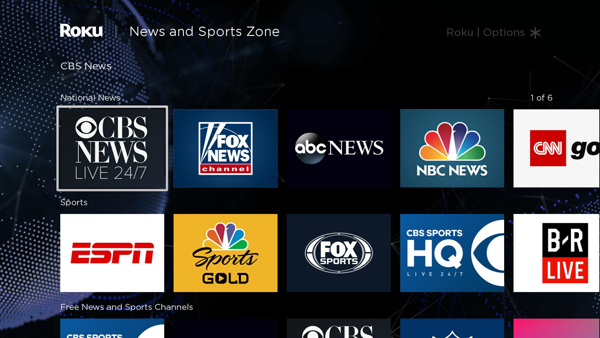
Roku Zones provides a curated selection of relevant content from apps across the Roku platform and organizes the content into browsable rows such as new releases, free titles, rentals and so on. It lets users find content and apps related to a specific genre or topic. For example, search results for "Sports" could include a "News and Sports Zone" that lists relevant apps with news and sports-related content.
Save List
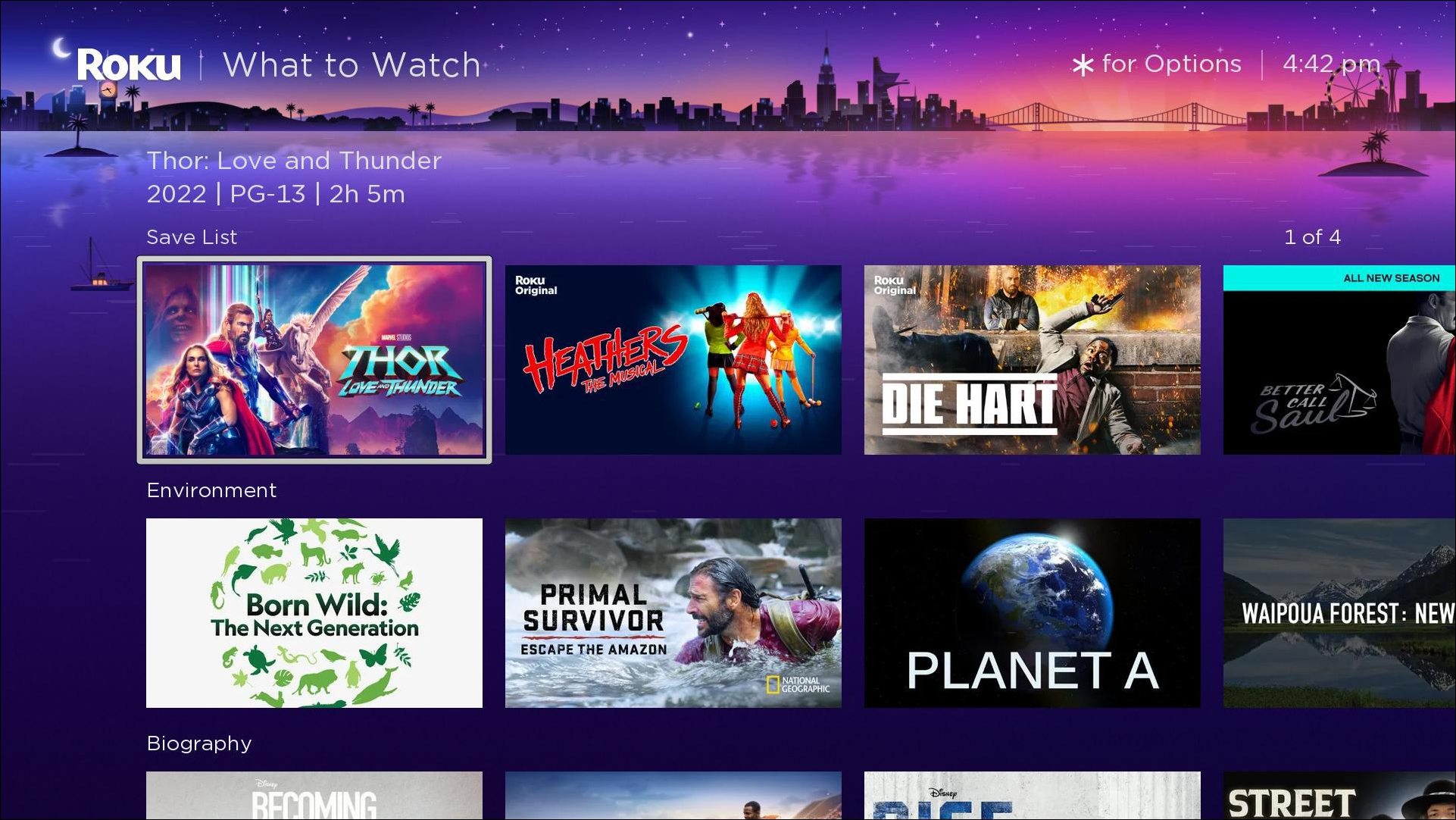
When customers search for content, they can add the movies and TV shows that they find to their Save List. They can they access their saved content by navigating to the What to Watch screen, which includes a Save List content row.
Updated 5 months ago